Key takeaways
- Most motors work with a remote first, and can add an app or voice control through a hub.
- Scenes move many shades at once, such as Good Morning or Movie Time.
- Schedules and sensors let shades move without you touching anything.
- Keep a simple wall switch or remote in case the internet is down.
Remotes, apps and hubs
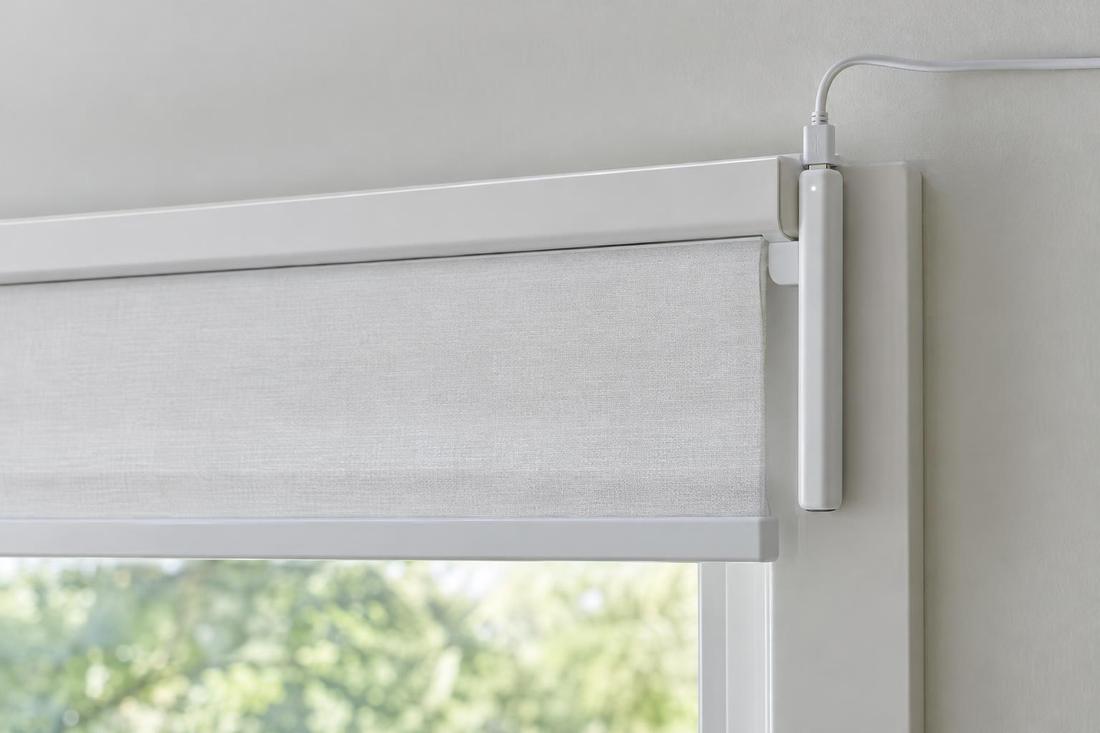
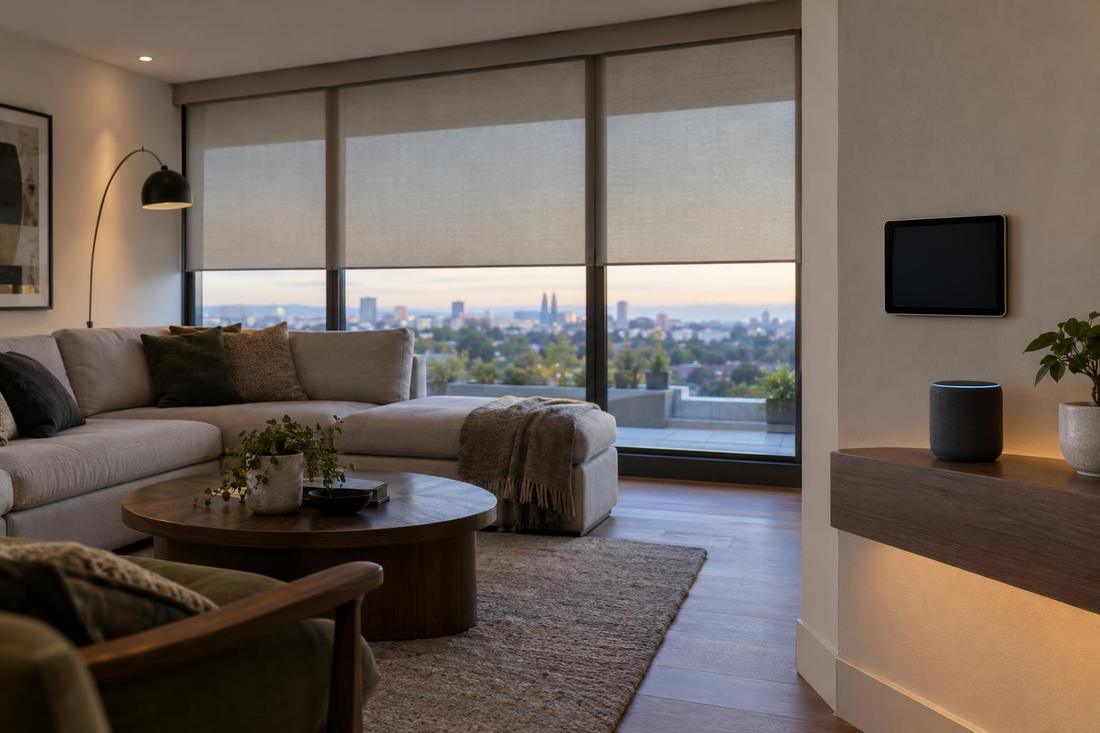
Many shade motors talk to a handheld remote. Add a small hub and the same shades can be moved from a phone app, from a smart speaker or from a touchscreen. The hub is the bridge between the motors and the internet.
Ask which hubs and voice assistants your motors work with before you buy.
Scenes and schedules
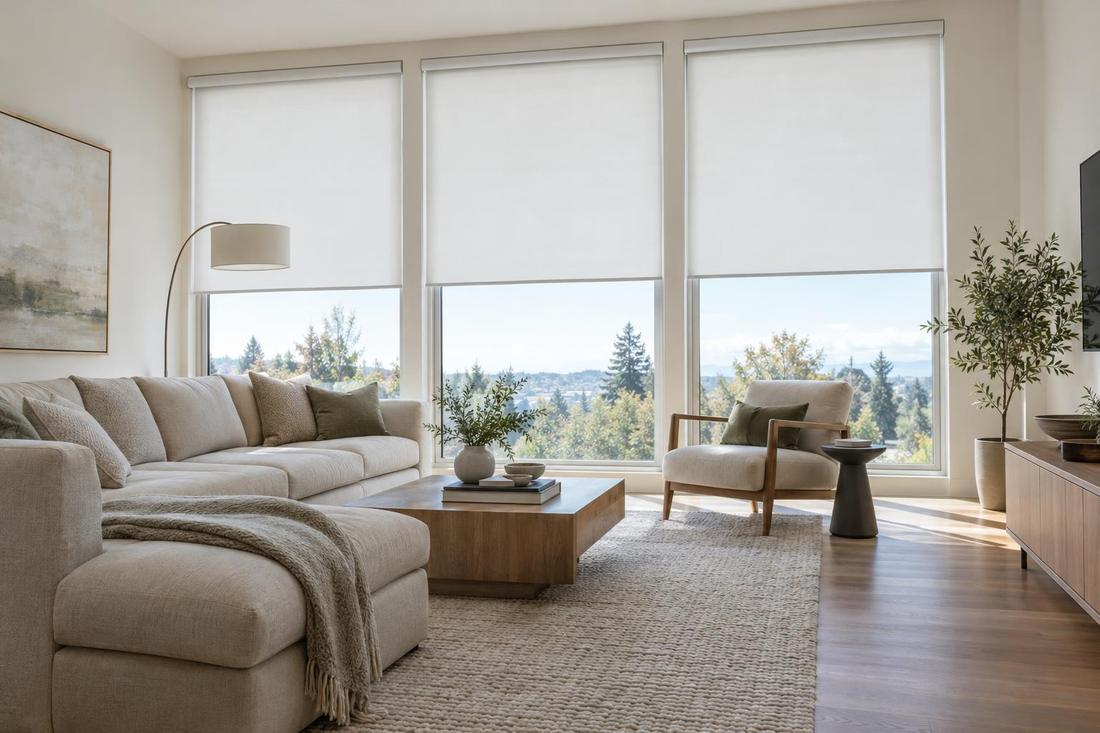
A scene is a saved set of positions, such as every shade at half-open for the morning or all lowered for a movie. A schedule runs a scene at a set time, like lowering west-facing shades in the afternoon.
Start with two or three scenes you will truly use.
Sensors and automation
Light and sun sensors let shades respond to the day on their own, lowering when the sun hits a window and raising when it passes. Combined with schedules, this can keep rooms comfortable while you are away.
Automation works best when it is simple and easy to override.
Keeping it simple to use
The best smart shade systems also have a plain remote or wall switch that anyone in the house can use. Guests, children and house sitters should not need an app.
We set up and test the controls with you before we leave.
Official sources and further reading
- CEDIA: Custom Electronic Design & Installation Association
- U.S. Department of Energy: Energy Saver
- Better Business Bureau
These are independent organizations. Links open in a new tab.
Quick answers
Do I need Wi-Fi for motorized shades?
No. A remote works without it. Wi-Fi or a hub is only needed for app and voice control.
Will the shades still work if the internet goes down?
Yes. They keep their remote and wall controls, and schedules stored in the hub or motor usually continue.